

The Imbox, Feed and trays decide where mail goes. These tools help you find it again. They sit in the Library part of the menu: Labels, Collections, Clips, Files and Activity.
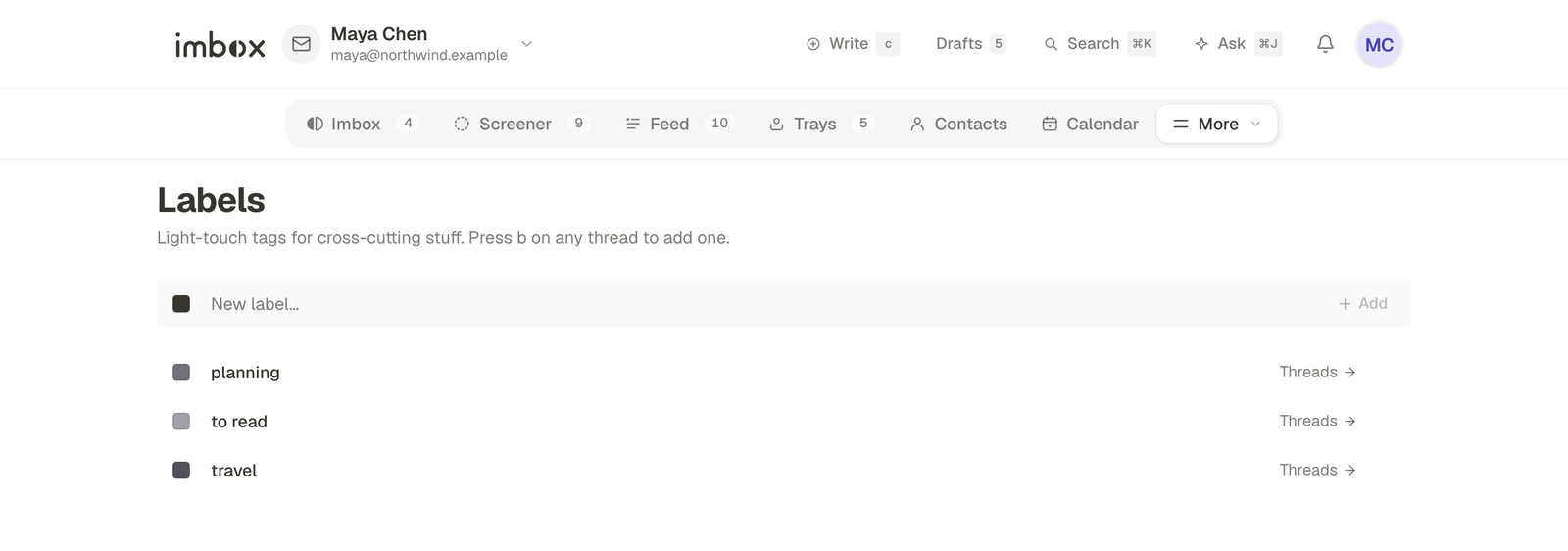
Labels
A label is a light tag for something that cuts across your mail, such as taxes or travel. A thread can have several. It stays where it is. A label does not move it.
- Press
bon a thread, in a list or open, to add or remove labels. - Open Labels to see all of them, rename one, or pick a shade for it. Shades are grays.
- Deleting a label takes it off every thread. The threads stay where they are.
- To find a labelled thread, open the label, or use search.
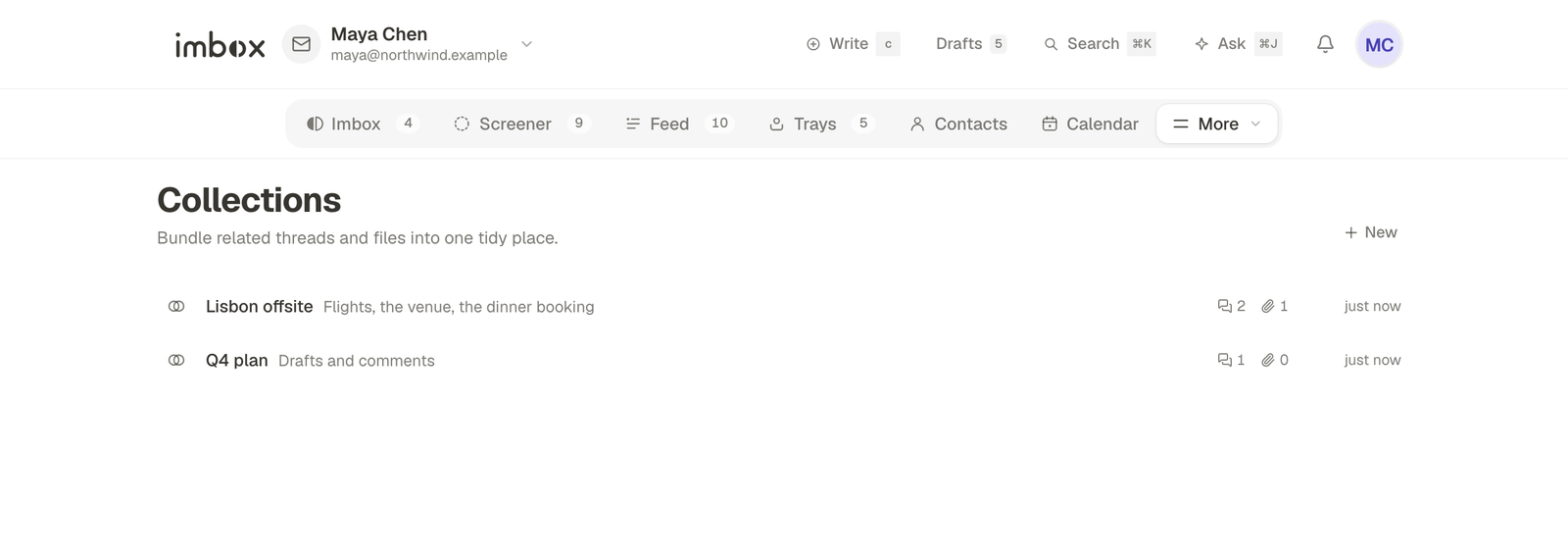
Collections
A collection is a place for a project, a trip, a house move: anything with a lot of mail around it. It holds whole threads and files.
- Open Collections and make one. Give it a name and, if you like, a line about it.
- On a thread, add it to the collection. To add several at once, select them in a list and choose Add to collection.
- Open the collection to see its threads and files together.
A thread can sit in more than one collection. Removing a thread from a collection does not delete it.
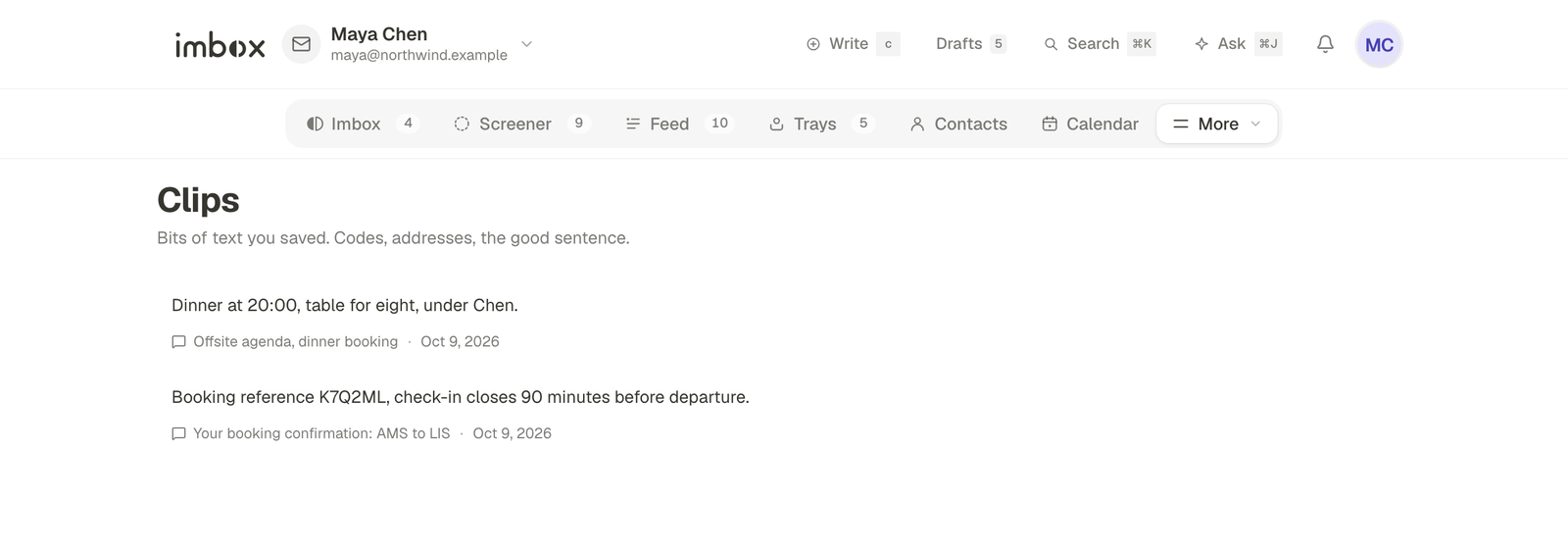
Clips
A clip is a piece of text you saved from a message: a door code, an address, the one good sentence.
- In an open message, select the text.
- Choose Save clip, which appears above the selection.
- Find it again under Clips. A clip remembers the message it came from.
You can delete a clip at any time. Deleting a clip never touches the message.
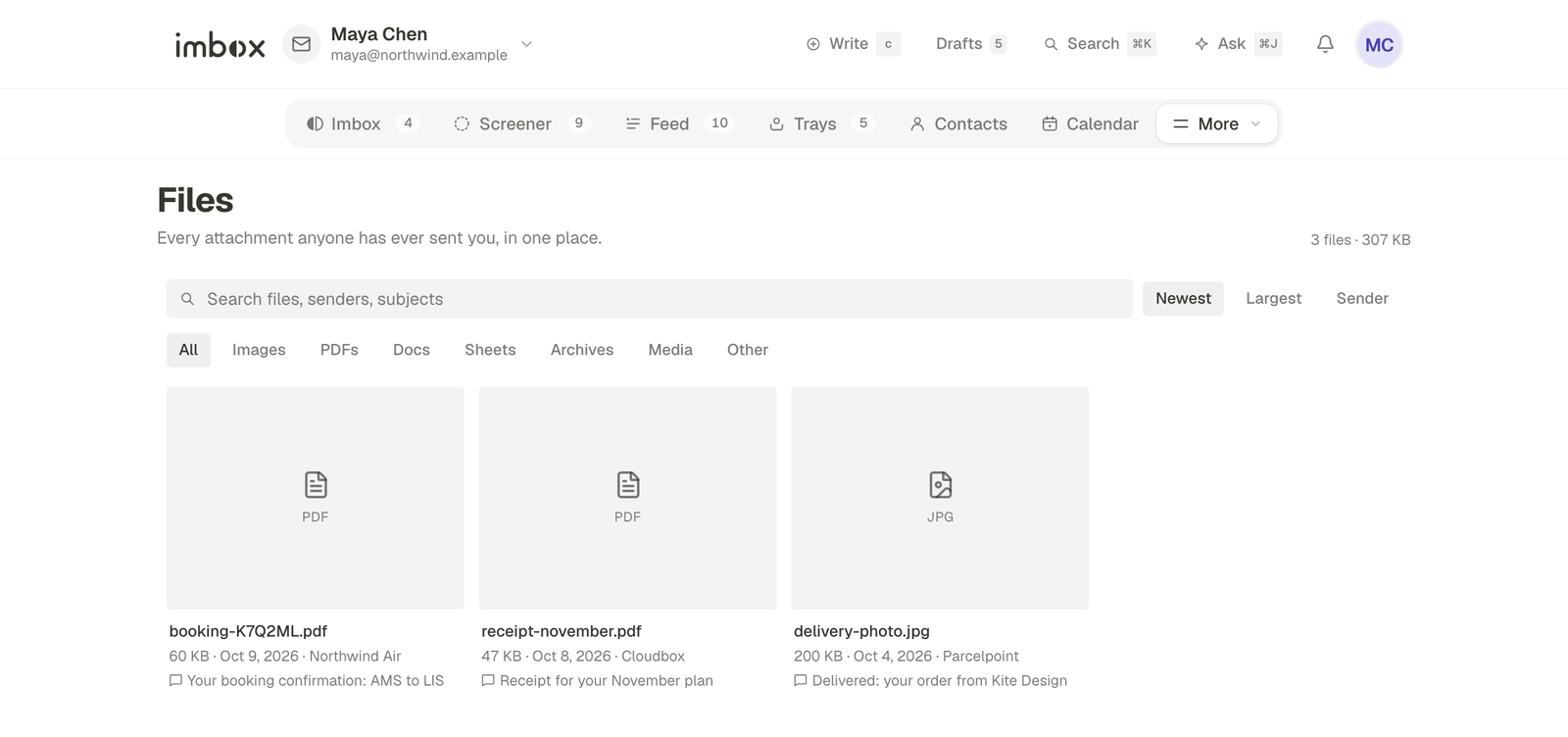
Files
Files lists every attachment from every mailbox in one place. Search it by file name, sender or subject. Files are fetched from your mail provider when you open them, so this list takes no extra space on your server.
Activity
Activity is a log of what you did and what imbox decided, with the reason. It is kept for 90 days. You can search it, and clear it.
For agents, the same decisions show under Activity on each agent. See Agents in the app.
Away
When you are away, imbox can tell people who write, and keep your Imbox quiet. Turn it on under Settings → Writing → Away.
- Choose the days you are away. It starts when you turn it on and ends on the morning of the day you are back. The longest period is 120 days.
- Name who handles urgent things, if you want the notice to say so.
- Choose who still gets through: people you have written to, and anything that reads as urgent. The rest waits in Back to work on the Imbox, with no notification.
- If AI is set up, it can write the notice. You approve the text, and that exact text is what gets sent. It saw only the day you are back, your name and what you typed, never your mail.
Next
- Search and shortcuts: find labelled threads and use
band other keys. - Trays: reply later, set aside, bubble up.